Why Wi-Fi Calling Often Fails in the Office: A Technical Deep Dive for UK Businesses

Table of contents
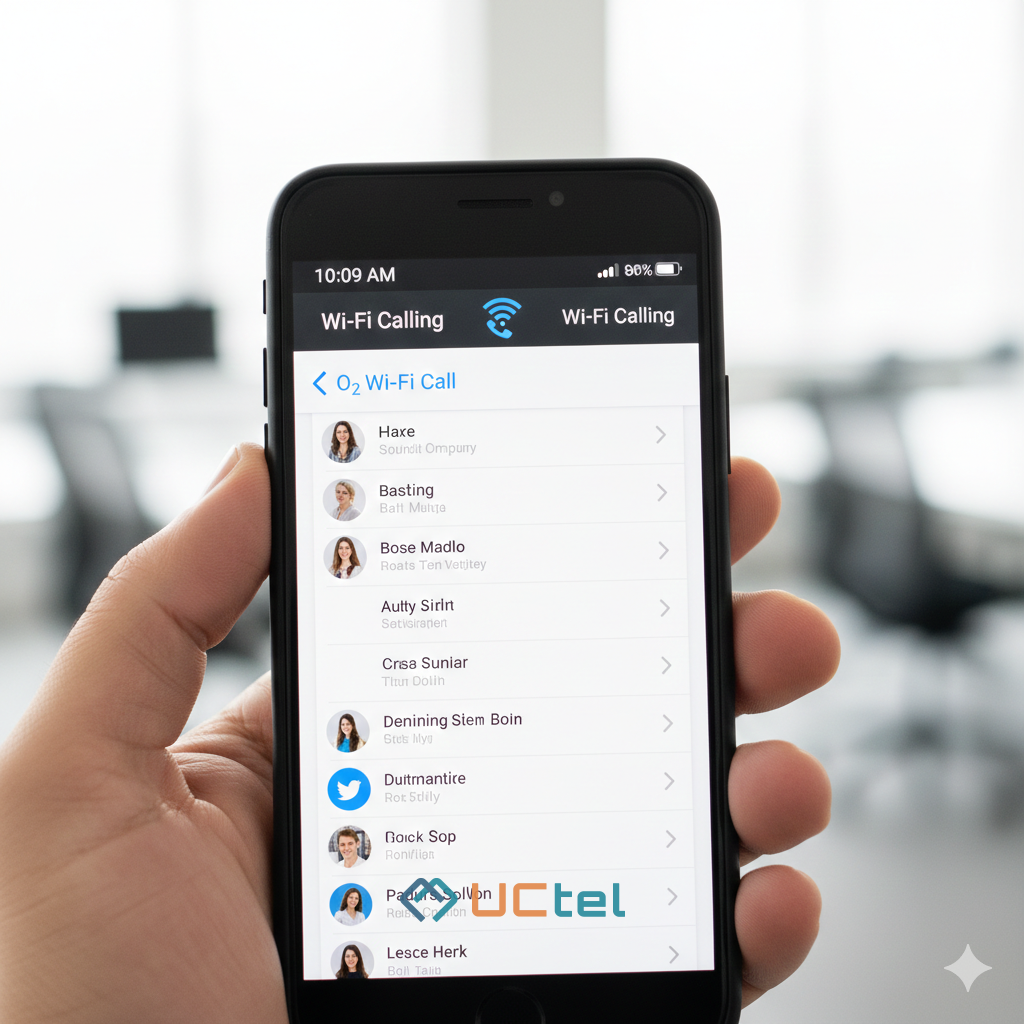
You’ve likely experienced the frustration: a modern, energy-efficient office with high-speed internet, yet your mobile calls are choppy, delayed, or drop entirely the moment you walk toward the lift. While many IT managers rely on Wi-Fi Calling (VoWiFi) as a free solution for poor indoor signal, it often proves to be an unstable "sticking plaster" rather than a professional-grade communication tool.
For a high-stakes business environment, understanding why Wi-Fi Calling fails is essential. Here is a technical analysis of the common pitfalls and why a mobile signal booster remains the gold standard for reliable office connectivity.
The Firewall Conflict: IPsec Tunnels and Port Blocking
Wi-Fi Calling isn't just a standard app; it’s a native service that creates a secure, encrypted "tunnel" back to your mobile carrier’s network using IPsec (Internet Protocol Security). For this to work, your office firewall must be configured to allow specific traffic through two critical ports: UDP 500 and UDP 4500.
In many UK corporate environments, strict security policies or "Application-Aware" firewalls may flag this encrypted traffic as suspicious or block it entirely to prevent unauthorised VPNs. If these ports are even slightly restricted, your handset may indicate it's on Wi-Fi Calling, but calls will fail to connect or go straight to voicemail.
The "Sticky Client" and Roaming Issues
Office employees are rarely stationary. As you move from your desk to a meeting room, your phone must "roam" between different Wi-Fi Access Points (APs). This is where Wi-Fi Calling frequently breaks.
- The Sticky Client Problem: Most mobile devices are "sticky"—they cling to a weak AP with poor signal strength (often below -70 dBm) even when a much stronger AP is just a few feet away. This leads to a sudden drop in audio quality before the device finally decides to switch.
- Handover Latency: For a seamless transition, the network needs to support advanced protocols like 802.11r (Fast Transition). Without these, the re-authentication process can take seconds—long enough for your call to drop.
- The Exit Drop: Perhaps the most common failure occurs when you leave the building. The transition from the office Wi-Fi to the outdoor cellular network (vertical handover) is notoriously difficult to execute without the call disconnecting.
Bandwidth Contention: The Shared Medium Problem
Unlike a dedicated cellular network, Wi-Fi is a "shared medium." This means every device—laptops, tablets, and phones—must compete for the same airtime.
When a colleague starts a large file download or a 4K video stream, the latency (delay) and jitter (variation in delay) on the network spike. To maintain a natural conversation, ITU-T G.114 standards recommend a one-way delay of less than 150ms. Once the office network becomes congested, Wi-Fi Calling packets get stuck in the queue, resulting in that "robotic" audio or those awkward moments where both parties speak at once due to lag.
The Security Risk: IMSI Catching
For professional organisations, security is a major concern. Wi-Fi Calling often uses EAP-SIM or EAP-AKA for authentication. Research has shown that in some implementations, your phone may transmit its IMSI (International Mobile Subscriber Identity) in cleartext during the initial handshake.
A low-cost rogue access point—often called a "Wi-Fi-based IMSI catcher"—can harvest these identities, allowing malicious actors to track individuals or monitor when specific employees enter or leave the building. Native cellular signals, by contrast, use carrier-grade encryption on licensed frequencies that are significantly harder to intercept.
| Network Component | Protocol/Port | Functional Requirement in VoWiFi | Potential Point of Failure |
| IKEv2 Key Exchange | UDP 500 | Initial security association and key negotiation | Blocked by firewall access control lists (ACLs) |
| IPsec NAT-T | UDP 4500 | Encapsulated voice data transmission through NAT | Dropped by NAT devices or stateful firewalls |
| DNS Resolution | UDP/TCP 53 | Resolving carrier ePDG Fully Qualified Domain Names | Incorrect DNS settings or resolution failures |
| IMAP Services | TCP 143 | Supplementary messaging and visual voicemail services | Blocked by egress filtering on enterprise networks |
| IPsec ESP | Protocol 50 | Direct encrypted payload (non-NAT environments) | Lack of Protocol 50 support on older routers |
Modern Construction: The Faraday Cage Effect
The fundamental reason Wi-Fi Calling is needed in the first place is that UK building standards prioritise energy efficiency. Low-Emissivity (Low-E) glass, now standard in new London skyscrapers and office blocks, uses a microscopically thin metallic coating to reflect heat.
Unfortunately, this coating also reflects radio signals, causing an attenuation (loss) of between -24 dB and -40 dB. This effectively turns the office into a Faraday cage, blocking out the signal from external masts entirely.
The Strategic Solution: A Mobile Signal Booster
If your office communication is too important to rely on the "best-effort" performance of Wi-Fi, a mobile signal boosting solution is the most effective solution.
Unlike Wi-Fi Calling, a professional booster (or Distributed Antenna System) captures the high-quality outdoor signal via a roof-mounted antenna and rebroadcasts it inside the building. This provides:
- Carrier-Grade Reliability: prioritises voice traffic on dedicated, licensed frequencies.
- Seamless Mobility: No more dropped calls when walking between rooms or leaving the building.
- Multi-Carrier Support: Boosts signal for all major UK networks (EE, Vodafone, O2, and Three) simultaneously.
- Extended Battery Life: Your phone no longer "hunts" for a signal, significantly reducing battery drain.
Ready to eliminate dropped calls in your office? Our team specialises in deploying future-proof mobile signal booster solutions tailored for the UK's unique architectural and regulatory landscape. Contact us today for a site survey.